DNA
Code Discovery & Mining empowers teams to accelerate modernization by identifying code patterns known from the source modules. Through DNA analysis, the platform examines each statement as a building block, grouping modules with similar structures into clusters. Once a pattern is found in one module, similar modules within the cluster can be quickly identified and analyzed. Users can interact with clusters, view associated modules, and leverage snapshots to track changes and version history.
The DNA page visualizes the data gathered by the Discover DNA feature (see Discover DNA) or by clicking Analyze directly on the DNA page.
Info
This feature is available for C, COBOL, JCL, Natural, and PL/I.
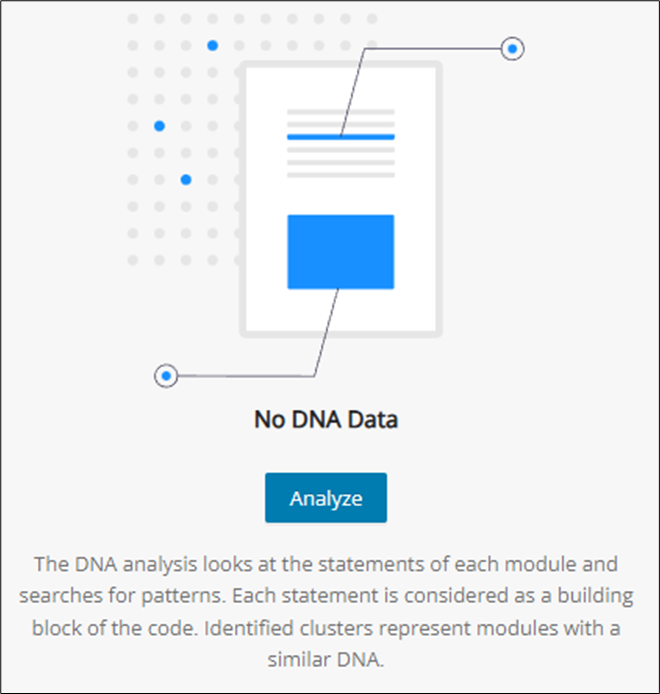
The DNA analysis looks at the statements of each module and searches for patterns. Each statement is considered a building block of the code. Identified clusters represent modules with a similar DNA.
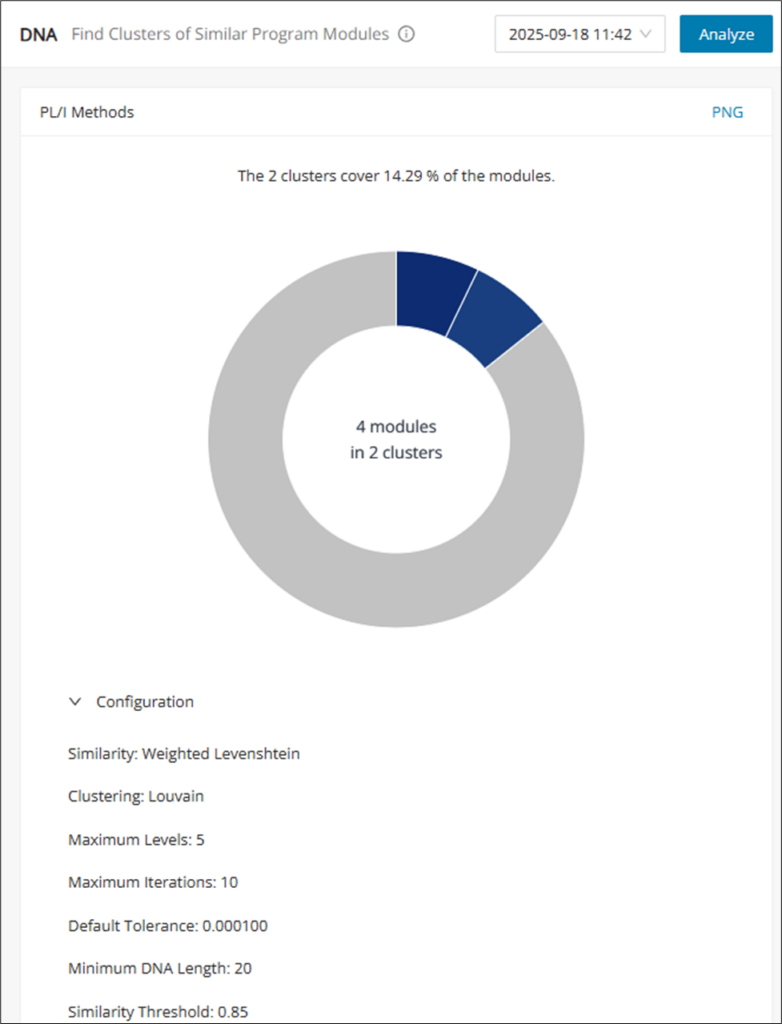
After performing DNA Analysis, the DNA page will populate with a chart of the results, as well as a version history drop-down and the Analyze button in the top right corner. When a change is found from subsequent DNA Analyses, a new version will be recorded in the version history.
Cluster table view
Clicking on different parts of the chart returns different table views, which can be customized and used for CSV or Confluence export. These table views let you pivot from the cluster visualization into the underlying module lists. Use them when you need exportable detail for either the full dataset or a single cluster.
-
Clicking the blank area of a chart opens an overlay table listing all modules.
-
Clicking one of the clusters opens an overlay table with all of the modules of the chosen cluster.
-
Clicking the unassigned, gray cluster opens an overlay table of the modules that were not assigned to a cluster.
Click on the settings icon to customize the table view and then click on CSV/Confluence to export.
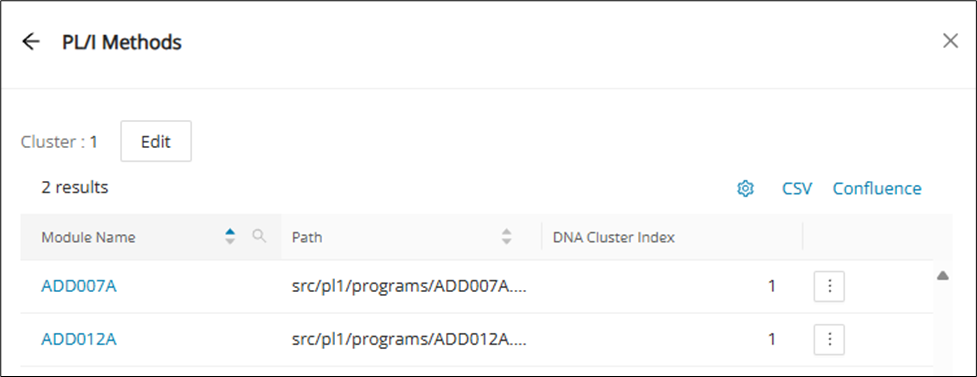
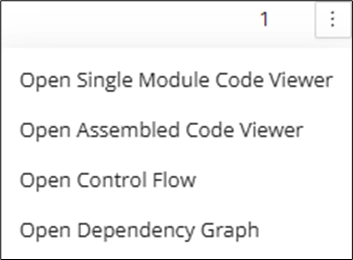
In the cluster's table view, each listed module in the table has a menu to open its Code Viewer, Control Flow, or Dependency Graph page in a new tab directly:
Edit cluster
Cluster names are automatically assigned to their DNA Cluster Index (starting from 1), but can be renamed and given a description to your liking. Click Edit at the top of the cluster's table view.
Info
Modules without a cluster do not have a DNA Cluster Index.
Input the name and description (optional) and then Save .

Edit DNA configuration
DNA configuration is performed from the Eclipse project files. For more information on DNA configuration, find more details under Discovery with Customized Settings.